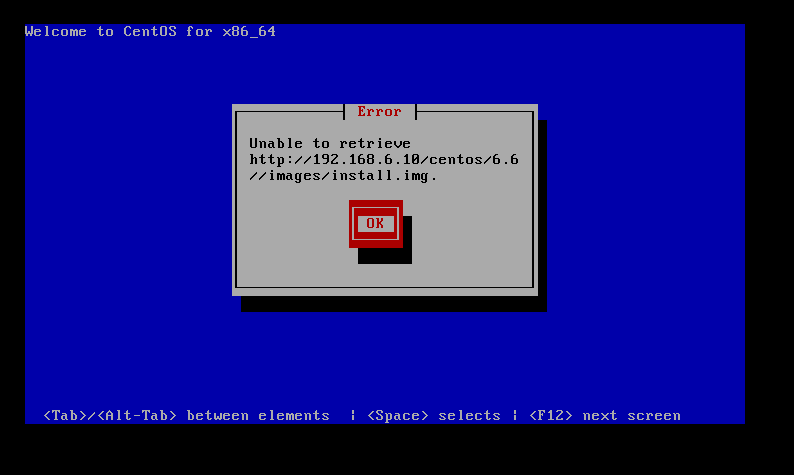
12.7. kickstart+PXE自动安装常见问题
- Date:
2018-09
12.7.1. CentOS7(1708/1804)PXE安装注意事项
- CentOS7
1804/1708支持PXE安装参考资料:https://www.centos.org/forums/viewtopic.php?f=50&t=64938
CentOS7的启动菜单配置参数详解:https://access.redhat.com/documentation/en-us/red_hat_enterprise_linux/7/html/installation_guide/chap-anaconda-boot-options
Hidden feature of Fedora 24: Live PXE boot: https://lukas.zapletalovi.com/2016/08/hidden-feature-of-fedora-24-live-pxe-boot.html
通过PXE网络安装CentOS7(1708/1804)系统时,在配置tftpd传入的系统的default引导菜单时需要参考实例:
1default ks
2prompt 0
3
4label ks
5    menu label ^Install kickstart
6    kernel vmlinuz
7    append initrd=initrd.img inst.repo=http://192.168.6.10/centos/7/ root=live:http://192.168.6.10/centos/7/LiveOS/squashfs.img ro rd.live.image rd.luks=0 rd.md=0 rd.dm=0 inst.ks=http://192.168.6.10/centos/ks/centos7-ks.cfg
8menu separator # insert an empty line
备注
- 上面实例中的:
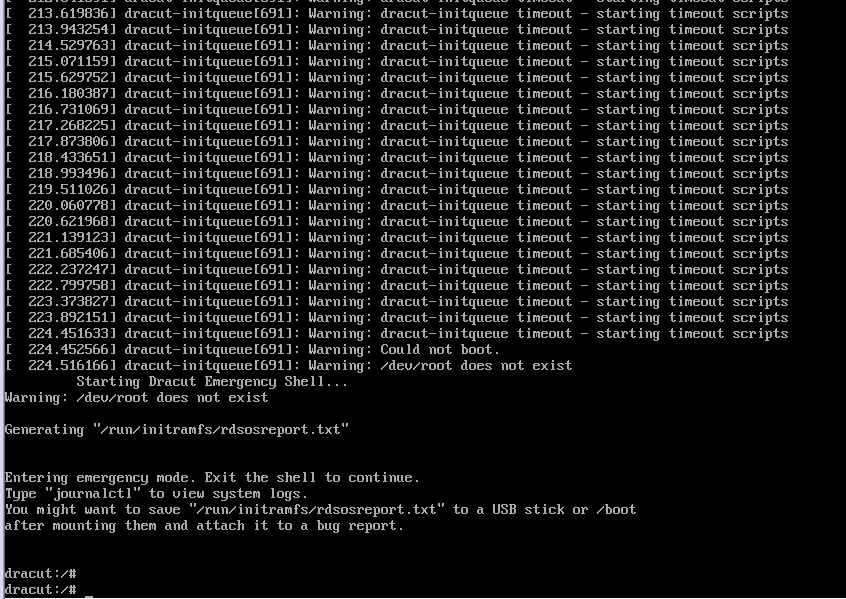
root=live:http://192.168.6.10/centos/7/LiveOS/squashfs.img中的squashfs.img是系统镜像文件中的LiveOS目录下的文件。这个不指定会报错,然后不能安装,提示最后进入:dracut:/#
ro rd.live.image rd.luks=0 rd.md=0 rd.dm=0是参考的内容添加后可以正常启动,不添加也可以。
cobbler安装CentOS7(1708/1804) 故障现象:
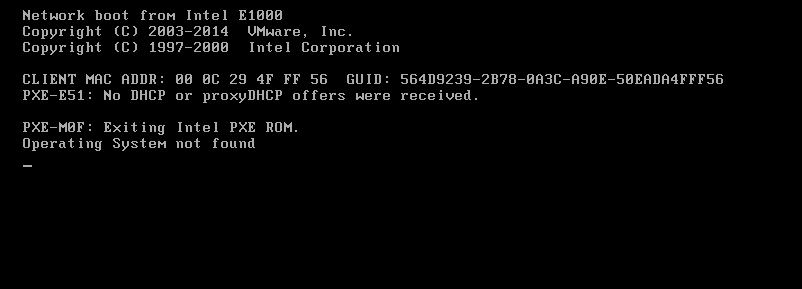
12.7.2. DHCP没有启动导致故障
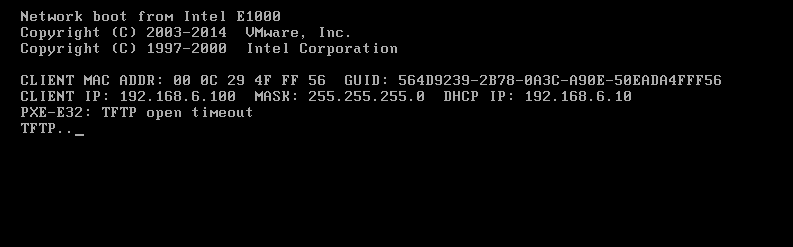
12.7.3. tftp没有启动/防火墙没有关闭
12.7.4. selinux没有关闭
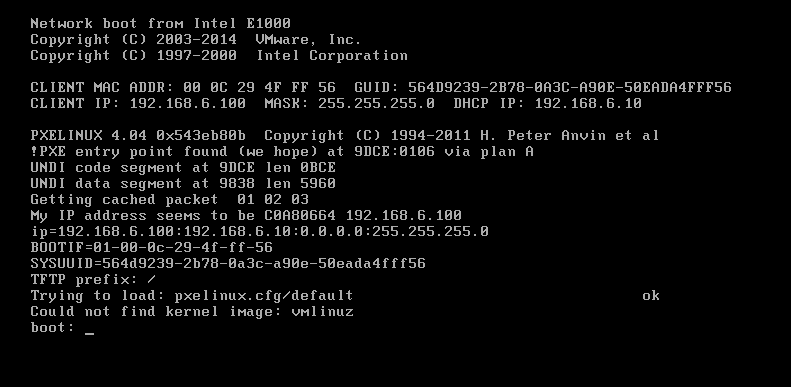
12.7.5. 系统镜像文件丢失/指定目录没有镜像文件